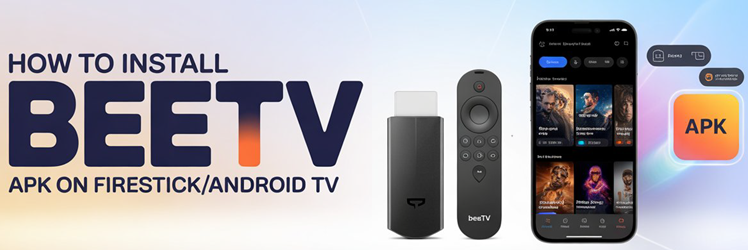
How to Install BeeTV on Firestick/Android TV
Key Takeaways: BeeTV is not in the Amazon Appstore, so the only way onto a Firestick is to sideload the APK using the Downloader app. Open Settings > My Fire TV > Developer Options, turn on Install Unknown Apps for Downloader, install Downloader from the Appstore, then open the BeeTV APK link inside Downloader, download the file, and select Install. One thing almost every…