IPTV Audio Out of Sync? Here Is the Fix
IPTV audio out of sync? Fix sound delay, lip-sync drift, player offsets, Fire TV AV tuning, HDMI, soundbar, decoder, and stream-side faults.

IPTV audio out of sync? Fix sound delay, lip-sync drift, player offsets, Fire TV AV tuning, HDMI, soundbar, decoder, and stream-side faults.
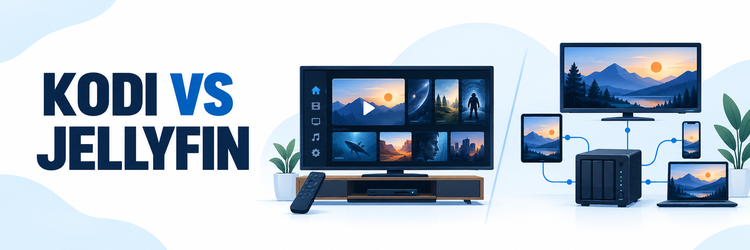
Key Takeaway: Kodi is a free media-center player that runs on the device in front of you; Jellyfin is a free, self-hosted media server with client apps for your other screens. Choose Kodi for a flexible TV interface and direct playback from local or network files. Choose Jellyfin when one household library needs users, progress,…
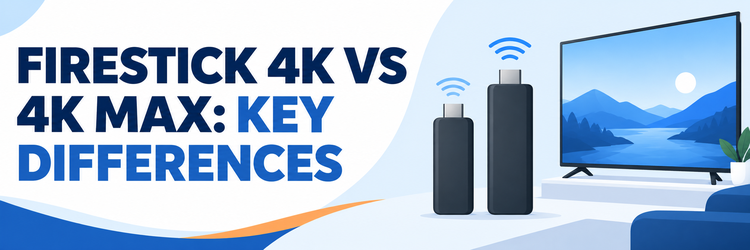
Key Takeaway: For the 2023 second-generation models, Fire TV Stick 4K Max doubles built-in storage to 16 GB, adds Wi-Fi 6E and Ambient Experience, and has higher specified CPU and GPU clocks. The regular Fire TV Stick 4K retains 4K, Dolby Vision, HDR10+, Dolby Atmos, AV1 decoding, 2 GB RAM, and Wi-Fi 6. Buy the…
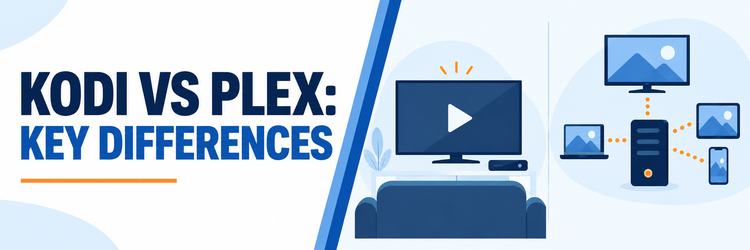
Key Takeaway: Kodi is the simpler choice when your movies already sit on a Fire TV device, USB drive, or home network share and you want to play them directly. Plex is built for a central library that serves multiple screens. Both can be free at home, but Plex charges for some remote and advanced…
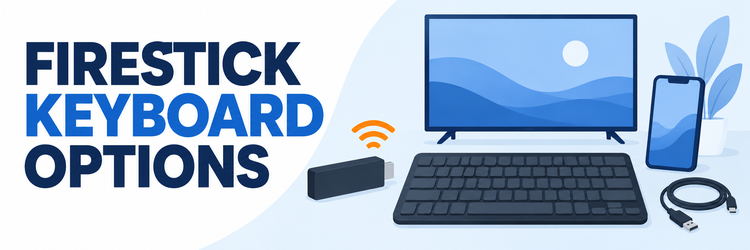
Key Takeaway: Choose a Firestick keyboard by connection type and exact device model. Genuine Bluetooth avoids a USB receiver; phone input suits occasional searches. USB and OTG arrangements need model-specific confirmation, while browser-based typing usually depends on third-party software. Check application behavior, reconnection, and privacy before investing in extra hardware. Typing a long search or…
Key Takeaway: Stremio is the better streaming app for most people because it is easier to configure and works across far more devices. Syncler is better for Android and Fire TV users who want deeper source filtering, debrid-cloud tools, and player control. Stremio and Syncler can both turn a Firestick into a streamlined browsing and…
Key Takeaway: Firestick no sound usually comes from the wrong output path, an incompatible surround format, a muted television, or one faulty app. Start by proving where silence begins, then restart the complete HDMI chain and simplify the audio route. Save app-data deletion and a factory reset for the end. A picture with no audio…
Key Takeaway: Amazon Fire Stick lagging usually comes from one of four places: a busy Fire OS interface, low storage, an overloaded app, or a delayed network or remote. Identify which action is slow before changing settings. A restart, targeted cache cleanup, and available-storage check solve more cases than an immediate factory reset. A Fire…
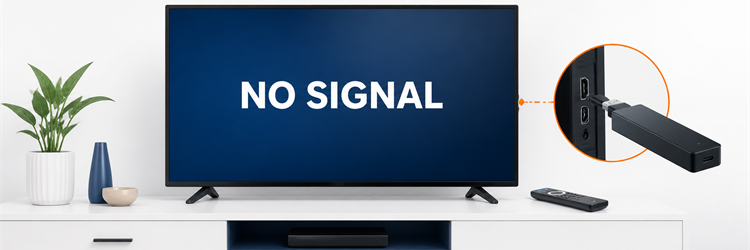
Key Takeaway: A Firestick no signal message means the television cannot detect usable video on the selected input. Confirm the TV menu, select the exact HDMI port, provide stable power, and simplify the connection before changing Fire OS. The first successful test usually identifies the failed link. “No signal” is more specific than a black…
Key Takeaway: A frozen Firestick is usually recoverable without a factory reset. Start by separating an app lockup from a whole-device freeze, force a restart, then work through cache, storage, updates, power, remote, network, and heat checks in that order. When the picture stops moving and the remote appears useless, it is tempting to unplug…